PM Surya Ghar Vendor List: How to Find, Check and Choose a Registered Vendor
The subsidy is only paid through a vendor registered on the National Portal. Where the vendor list is, what registration proves, what it does not, and how to choose.

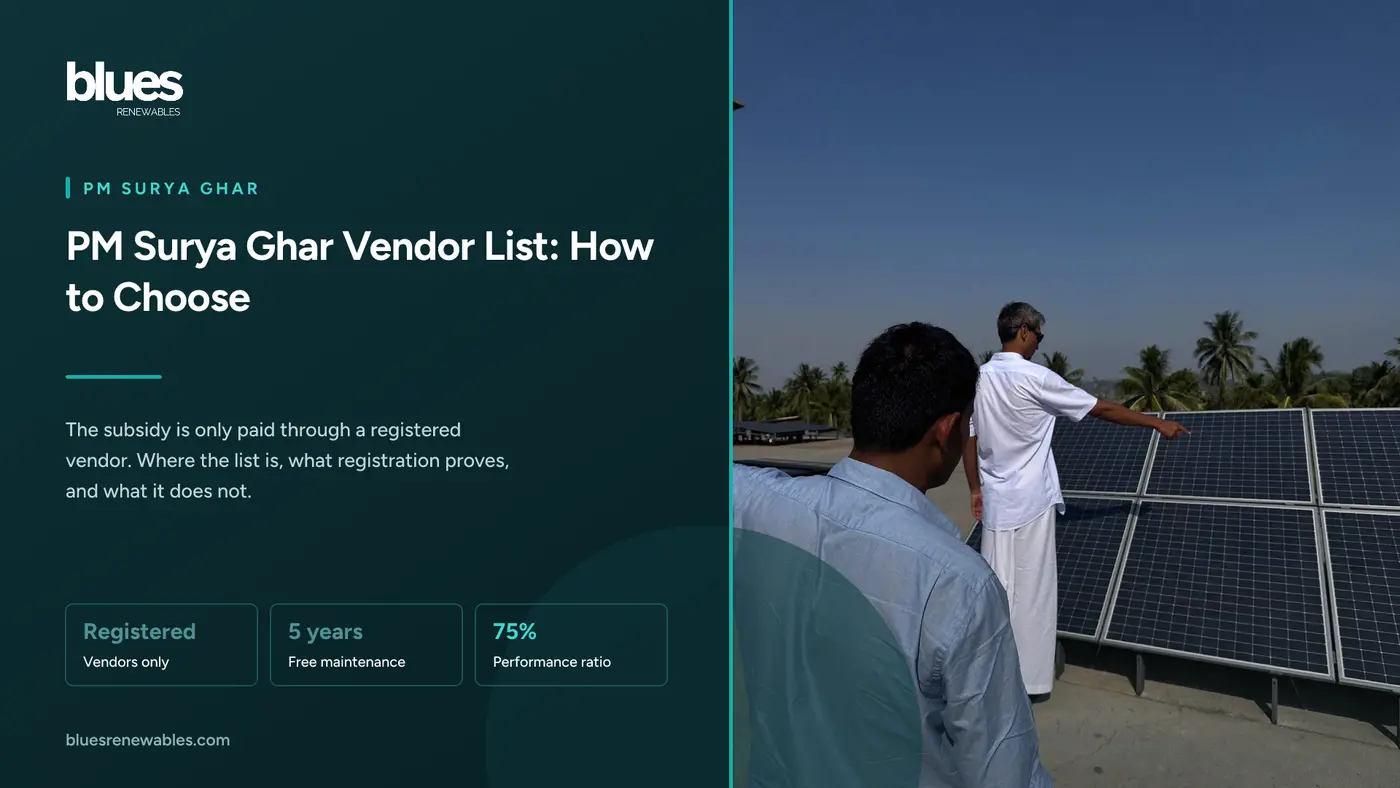
The PM Surya Ghar subsidy has one condition that decides everything else: the system has to be installed by a vendor registered on the National Portal. Choose an unregistered installer and the ₹78,000 is gone before a panel reaches the roof, however good the work.
That makes the vendor list the most important page on the portal, and also the most misunderstood. Registration tells you a company is allowed to install under the scheme. It does not tell you the company is any good.
This guide covers where the list is, what registration actually proves, and the checks that separate a registered vendor from a vendor worth hiring.
Key takeaways
- Only registered vendors can install under PM Surya Ghar. The scheme guidelines are explicit: a consumer has to choose a vendor registered on the National Portal to receive the subsidy.
- The vendor list is on the National Portal, searchable by state and district, with each vendor's profile, prices offered and rating.
- There is no government rate. Prices are agreed between you and the vendor; the guidelines removed the tendering and empanelled rates of the earlier scheme.
- Registration is a licence, not a quality mark. Check the vendor's rating, completed installations, the panel model on the quote and the 5-year maintenance terms.
- Every registered vendor owes you 5 years of free comprehensive maintenance from the date the DISCOM commissions the system.
- You can check any vendor yourself. Never rely on a vendor's own claim to be "empanelled".
The official vendor list is on the PM Surya Ghar National Portal at pmsuryaghar.gov.in. This page is an independent guide to reading and checking it, written by Blues Renewables, a rooftop solar installer in Chennai; we are not MNRE.
Where the PM Surya Ghar vendor list is
The official list sits on the PM Surya Ghar National Portal, pmsuryaghar.gov.in. Its "Registered vendors" page lists them for every state and district, and anyone can browse it without logging in.
Each vendor has a profile. Under the scheme guidelines that profile is meant to show the system specifications the vendor offers, the prices it quotes, contact details, and a rating built from consumer feedback and the vendor's record on completed and ongoing installations. The portal also includes a comparison tool so you can put vendors side by side.
Vendors register at one of two levels. State-level registration is handled by the state DISCOM or a nodal agency; in Tamil Nadu that is the state distribution utility. National or multi-state registration is handled by the National Programme Implementation Agency. Either level is valid for a subsidy claim in the state where the vendor is registered.
On pmsuryaghar.gov.in, open "Registered vendors", choose your state and district, and press Apply. The list is sorted by installations in that district, highest first. Each vendor card shows the company name, its rating and the number of reviews behind it, the number of installations, the total capacity installed, and the panel brands it is authorised to sell. Open "View" on a card to see the vendor's email and contact number. In Tamil Nadu, the "Empanelled Vendors" link on the TNPDCL solar portal opens this same national list.
Three tools help when the list is long. "Search Vendor" finds a company by name. "Search Brand Owner" and "Select Brand" narrow the list to vendors authorised for a panel brand, which is the quickest way to check a quote that names a brand. The sort menu orders vendors by installations in the district, state or country, or by capacity, highest or lowest first. Search for the company name on your quote and invoice, not just its brand, because two similar names can be two different registrations.
What registration proves, and what it does not
Registration means the vendor has been accepted to install under the scheme and has agreed to its obligations. That is worth something: a registered vendor can be inspected, penalised and de-registered if systems are not built to standard.
What registration does not tell you is whether this vendor installs well, answers the phone in year three, or quotes a fair price. The guidelines deliberately left price to the market. There is no government rate to compare against, and no tender has vetted anyone's workmanship.
So treat the list as the starting line. A company missing from it is ruled out. A company on it still has to earn the job.
How to choose a vendor from the list
Five checks, in the order that eliminates the most vendors fastest.
1. Confirm the registration yourself. Find the vendor on the portal under your own district. A vendor who says they are registered but cannot be found there is either registered elsewhere or not at all, and both cost you the subsidy.
2. Read the rating and the record. The profile shows consumer feedback and completed installations. A vendor with a long record in your district and a steady rating is a safer bet than a new name with no history.
3. Demand the panel model number, and check it. The subsidy requires DCR panels, modules made in India from Indian-made cells, and the model has to be on MNRE's approved list. A quote that says only a brand name is not enough. Our guide to DCR, ALMM and the subsidy explains why this is where most claims fail.
4. Compare quotes per watt. Divide the price by the system size in watts. Two quotes for a 3 kW system can hide a very different structure, inverter and cable underneath. Is your solar quote too high shows how to read one.
5. Read the maintenance terms. Every registered vendor must provide 5 years of free comprehensive maintenance, including replacing non-performing components, from the date the DISCOM commissions the system. Ask who does that work, how quickly they respond, and whether it is written into your agreement.
What a registered vendor is obliged to do
These duties come from the scheme guidelines and the model vendor agreement, so you can hold any registered vendor to them.
- Site survey and design - What it means for you: Roof strength, shadow-free area and a design to DISCOM and MNRE standards
- Made-in-India modules and approved inverters - What it means for you: Panels and cells manufactured in India, meeting MNRE specifications
- Net meter and grid connection - What it means for you: Supplying, testing and connecting the net meter is in the vendor's scope
- Documents for the portal - What it means for you: Warranty cards, serial numbers, test reports, layout and wiring drawings
- Presence at DISCOM inspection - What it means for you: The vendor attends testing and commissioning
- 5-year comprehensive maintenance - What it means for you: Free repairs, overhauls and replacement of failed components
- Performance ratio of 75 percent - What it means for you: Measured at commissioning and maintained through the 5 years
Our guide to the PM Surya Ghar agreement walks through each of these as they appear in the contract.
Finding a PM Surya Ghar vendor near you
Searches for a "PM Surya Ghar vendor near me" usually mean one of two things: someone who can visit the roof quickly, or someone who will still be around for five years of maintenance. The second matters more.
A vendor based in your city can reach a fault in a day. One based three districts away may take a week, and five years is a long time to depend on a van that far off. Filter the portal list by your own district first, then widen only if you need to.
If you are in Chennai or elsewhere in Tamil Nadu, our installation areas list the localities we cover.
Can you change your vendor?
Yes, but only early. The National Portal's FAQ says you can change your vendor after selecting one, but only before the vendor-consumer work agreement is uploaded to the portal. The portal has announced one exception for non-loan cases: if the vendor has not submitted installation details within 60 days of uploading the agreement, you may change vendor. Settle any advance with the first vendor in writing before you switch, because changing on the portal does not end your contract with them.
The guidelines are clear that disputes between you and your vendor are between the two of you: MNRE and the DISCOM are not parties to them. That is the strongest argument for choosing carefully the first time, and for writing the payment schedule into the agreement so that money follows progress. If something goes wrong after installation, our guide to raising a PM Surya Ghar complaint sets out the grievance route.
Frequently asked questions
Where can I find the official PM Surya Ghar vendor list?
On the PM Surya Ghar National Portal at pmsuryaghar.gov.in. Anyone can browse the vendors registered for a state and district there, with their ratings, installations and contact details, without logging in.
Does vendor registration guarantee the subsidy?
No. It is a precondition, not a guarantee. The subsidy still depends on DCR panels on MNRE's approved list, correct documents, and a successful DISCOM inspection. A registered vendor who fits non-DCR panels still costs you the subsidy.
Is there a fixed government price for PM Surya Ghar vendors?
No. The scheme guidelines leave price to be agreed between the consumer and the vendor. There is no tendered rate. Compare quotes per watt and read what each one includes.
How do I check if a vendor is really registered?
Search for the vendor on the National Portal under your own district. Do not rely on a certificate, a WhatsApp message or a vendor's website claim.
What do registered vendors have to provide after installation?
Five years of free comprehensive maintenance from the date of commissioning, including replacement of failed or under-performing components, and help claiming manufacturer warranties beyond that.
Can I choose a vendor from another district?
Yes, if the vendor is registered for your state. For the 5-year maintenance period, a vendor close to you is usually the better choice.
What happens if my vendor stops responding?
Raise a grievance through the National Portal, the portal app or the national helpline. The guidelines commit to resolving grievances within 30 days, and vendors who do not meet the standards can be penalised or de-registered.
Is there a district-wise PDF of the PM Surya Ghar vendor list?
No official one. The National Portal shows registered vendors as a live search by state and district, and the list changes as vendors are added or deactivated. PDFs passed around on other websites are copies that may already be out of date, so always check the vendor on the portal itself.
How do I check a PM Surya Ghar vendor by name?
Open "Registered vendors" on pmsuryaghar.gov.in, pick your state and district, then type the company name in the "Search Vendor" box. If the name does not appear for your district, the vendor cannot claim the subsidy for your home there. The portal also publishes a "List of Deactivated Vendors", so check that page too if a vendor says it was registered earlier.
Should I let my vendor fill in my PM Surya Ghar application?
It can, with your consent. The National Portal's FAQ says a vendor may apply on your behalf only if you accept that from your own login. The vendor fills in the installation data and sends it to you; you review it and either submit it to the DISCOM for inspection or return it with remarks. Since September 2026 you must also approve the vendor agreement yourself. Keep the account on your own mobile number, since the OTPs and the subsidy redemption belong to you.
Why has a vendor disappeared from the PM Surya Ghar vendor list?
It may have been deactivated. In August 2026 MNRE removed 66 vendors from the vendor-selection page for a month because they held far more "Agreement Uploaded" applications than they could install, and told every vendor not to keep an application pending for more than 60 days without a valid reason. A deactivated vendor cannot take new applications but keeps access to finish installations already under a signed agreement. The portal's Vendor menu carries a "List of Deactivated Vendors".
Where this fits
For the whole scheme, from application to payout, start with the PM Surya Ghar subsidy guide. For what you will sign with the vendor, see the PM Surya Ghar agreement. For the checks that apply to any solar company, see how to verify a solar company.
Blues Renewables installs rooftop solar across Chennai and Tamil Nadu under PM Surya Ghar, with DCR panels named by model on every quote and the subsidy file handled for you. If you are comparing vendors, send us the other quotes and we will tell you honestly how ours compares.
Call +91 98841 07170.
Sources
- Ministry of New and Renewable Energy, Guidelines for PM-Surya Ghar: Muft Bijli Yojana, Central Financial Assistance to Residential Consumers, sections on choice of vendor, vendor registration, vendor profiles, services and penalties, and grievance redressal
- Ministry of New and Renewable Energy, Annexure 2, Model Draft Agreement between Consumer and Vendor, for the vendor's obligations and the 75 percent performance ratio
- PM Surya Ghar National Portal, pmsuryaghar.gov.in