How to Read Your TNEB Solar Net Meter: Import, Export and Net Units
How to read a TNEB solar net meter: find the import and export registers, work out net units for a billing cycle, check generation and handle a faulty meter.

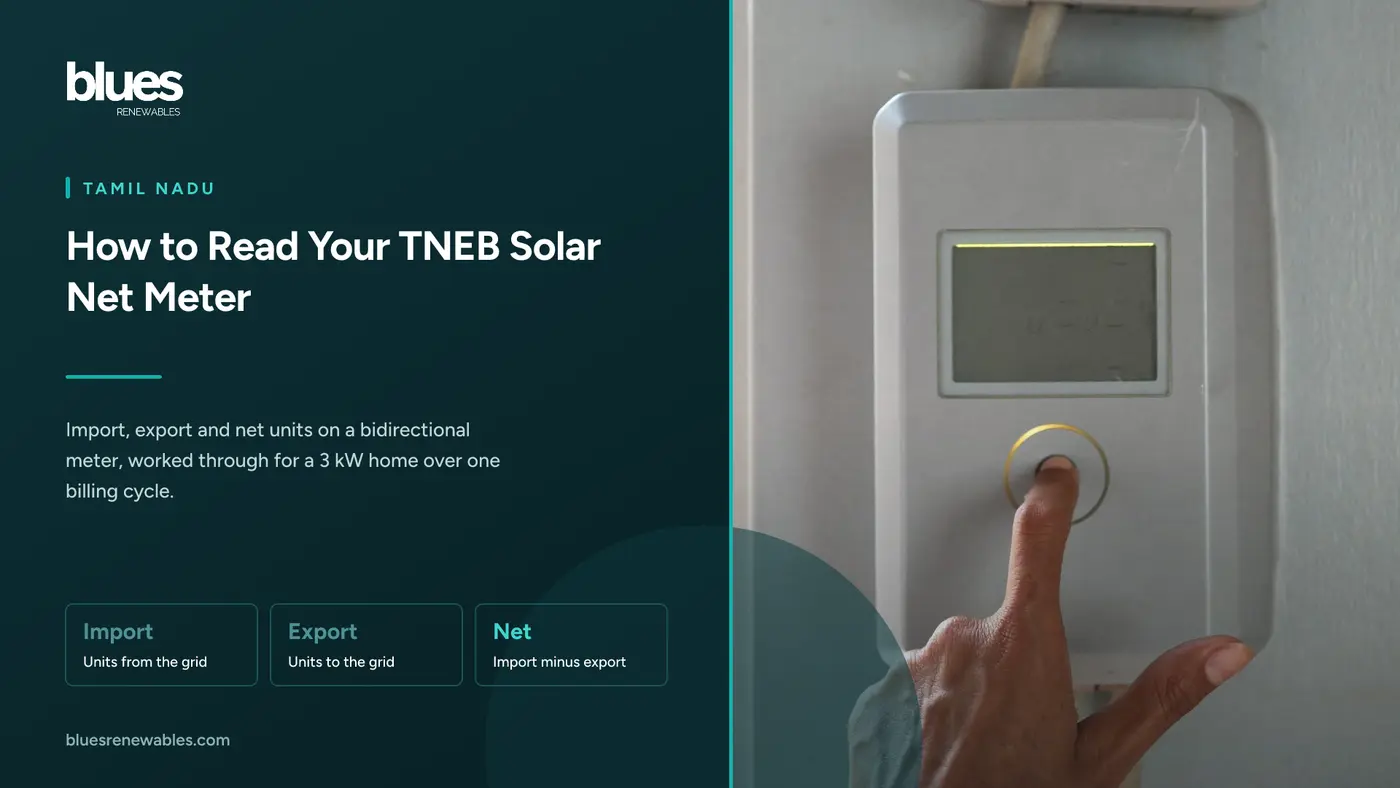
The net meter TNPDCL fits on a solar home is not a simple counter. Under TNERC Order 8 of 2021, it must be a four-quadrant bidirectional meter with at least four import and four export Time of Day registers. That is why the screen scrolls through a dozen numbers when you want one.
You need just three: units imported, units exported, and the difference for the billing cycle. Add the generation figure from your inverter and you can check every solar bill before you pay it.
This guide covers finding those registers, calculating net units and self-consumption, a worked 3 kW example, and the rules when a meter fails. It does not explain why your bill is not zero, or how to apply for net metering.
Key takeaways
- Import and export are cumulative totals. Take two readings a billing cycle apart and subtract.
- Net units are import minus export for the cycle, not the on-screen "net" register, which counts from installation.
- The net meter never shows generation. Read it from the inverter, or a generation meter if you have one.
- Up to 10 kW, a generation meter is optional. TNPDCL assesses generation at 21% CUF or the inverter reading, whichever is lower.
- A defective or burnt meter must be replaced within seven days, and generation for that period comes from the check meter or inverter first.
How to read a TNEB solar meter
A net meter records energy drawn from the grid (import) and energy your panels push to the grid (export) in separate registers. TNPDCL bills from the units in those registers.
The display has two modes. In auto-scroll, each screen holds for about 10 seconds. With the push button (a touch pad on some newer meters), each press moves to the next screen, and the list is longer. Leave it alone and the meter returns to auto-scroll. The easiest method is to video one full scroll cycle on your phone and read the frames later.
The screens you will see
The Central Electricity Authority's model specification for single-phase solar net meters, published in January 2024, sets this auto-scroll sequence. Utilities can change the order, but most meters show the same items.
- LCD test, time, date - What it shows: All segments lit; the meter's clock, What you do with it: Note the date with your reading
- Cumulative import (kWh) - What it shows: Units drawn from the grid since installation, What you do with it: Record every cycle
- Cumulative export (kWh) - What it shows: Units sent to the grid since installation, What you do with it: Record every cycle
- Cumulative net (kWh) - What it shows: Import minus export since installation, What you do with it: Ignore for the bill
- Last bill import and export - What it shows: Readings frozen at the last billing reset, What you do with it: Cross-check the bill
- Instantaneous load (kW) - What it shows: Power flowing right now, What you do with it: Confirms export at noon
- Maximum demand (kW) - What it shows: Highest 30-minute average power, What you do with it: Not units; never subtract it
The push-button list adds voltage, current, frequency and tamper details.
The Time of Day registers split import and export into time slots, such as the 6 pm to 9 pm evening peak, and together make up the cumulative total. Under Order 8/2021, slot-by-slot matching applies only to connections on a Time of Day tariff. Homes normally are not, so domestic bills use the cumulative registers.
Display codes differ by make
TNPDCL buys meters from several manufacturers. Meter specifications require a legend for every import and export parameter, but let the maker choose a symbol or text. One meter shows a short word beside the kWh figure; another shows an arrow pointing into or out of the house. Some show the international OBIS identifiers: 1.8.0 is total active import, 2.8.0 is total active export, and 1.8.1 to 1.8.4 or 2.8.1 to 2.8.4 are the time slots.
Makers publish no common list of legends, so match the label on your own screen. If two screens look alike, the one that rises around midday on a sunny day is export.
How to calculate net units for a billing cycle
TNPDCL bills homes every two months, so work in the same window.
Read on reading day. Photograph cumulative import and cumulative export, with the date.
Read again at the end of the cycle, ideally when the assessor visits.
Subtract. Import for the cycle is the new import reading minus the old one. Do the same for export.
Find the net. Net units = import for the cycle minus export for the cycle.
A positive net is billed. A negative net is surplus, which under net metering carries forward as units until the settlement period ends on 31 March.
Use the cumulative registers for your record. The "last bill" values change only on the meter's own reset date, which may not match the assessor's visit.
How to read solar generation
The net meter sits after your home has used what it needs, so it sees only the surplus.
The inverter. Every grid-tied inverter shows a daily figure and a lifetime total; Growatt labels them "Etoday" and "Etotal", and other brands use similar names. Note the lifetime total on your meter-reading days and subtract.
The generation meter. Order 8/2021 makes one mandatory only above 10 kW, fitted after the inverter at the applicant's cost. TANGEDCO adds a check meter above 20 kW. Read its cumulative kWh the same way.
The 21% CUF rule. Up to 10 kW, TNPDCL assesses generation at 21% CUF or the inverter reading, whichever is lower. 21% CUF is about 5 units per kW per day (24 hours × 0.21). Chennai systems usually make 4 to 4.8 units per kW per day, so the inverter reading is normally lower and is the one that counts. If you dispute the assessment, the Order lets you fit a generation meter at your own cost.
Generation matters because network charges are calculated on it; see rooftop solar network charges in Tamil Nadu.
Self-consumption = generation minus export. It is the solar your home used directly, which never appears on the bill. Add it to import and you get your true consumption.
Worked example: a 3 kW home over 60 days
A Chennai family on net metering photographs these readings on two assessor visits, 60 days apart.
- Net meter, cumulative import - Day 1: 4,215.6, Day 60: 4,575.6, Units this cycle: 360
- Net meter, cumulative export - Day 1: 2,640.2, Day 60: 3,090.2, Units this cycle: 450
- Inverter, lifetime total - Day 1: 6,108.0, Day 60: 6,900.0, Units this cycle: 792
- Net units: 360 minus 450 = minus 90. The home is in surplus, and 90 units carry forward.
- Generation: 792 units, or 4.4 units per kW per day. The 21% CUF ceiling is 3 × 24 × 60 × 0.21 = 907.2 units, so TNPDCL takes 792.
- Self-consumption: 792 minus 450 = 342 units.
- True consumption: 360 plus 342 = 702 units.
Without solar, the family would be billed on 702 units. With net metering, it is billed on none for energy and banks 90 units. Other charges remain; why the electricity bill after solar is not zero explains them.
On net feed-in, the units would not offset. The 360 imported units are billed at the retail tariff, and the 450 exported units credited at ₹3.61 each (1 to 10 kW), or ₹1,624.50. See net metering vs net feed-in and the solar export unit price.
How the readings map to your TNPDCL bill
Your bill shows units imported and exported separately, with the charge worked on the net figure and any surplus carried forward. Labels vary between bill formats, so match by value: your photos should reproduce the bill's opening and closing readings. Check three things:
The opening readings match your last closing photos. A gap means an estimated or skipped reading.
Export rises every cycle. If it has not moved, the meter may not be set up for export, or the system is not exporting.
The first solar bill may be a part cycle spanning the meter change. Judge the system on the second full cycle.
When the meter is faulty, blank or burnt
If the screen is blank, frozen or scrambled, or the meter shows burn marks, report it to your section office or call Minnagam on 1912. Photograph it, and leave the seals alone.
Replacement deadline. TNERC's Distribution Standards of Performance, amended from 21 February 2024, require a defective or burnt meter to be replaced within seven days of a complaint, and lack of stock is no excuse. Compensation for delay is ₹200 a day, up to ₹2,000.
Generation during the fault. Order 8/2021 sets the order of sources:
- 1 - Source used: Check meter, or the generation recorded in the inverter
- 2 - Source used: If meter and inverter have both failed, data retrieved from the meter's memory
- 3 - Source used: If no data can be retrieved, the Tamil Nadu Electricity Supply Code method
Step 2 works because net meters keep readings in memory that TNPDCL can download even when the screen is dead.
The Supply Code fallback. Regulation 11 assesses consumption from the average of the preceding four months, if usage conditions were similar; otherwise from any four consecutive months in the preceding 12 with similar conditions. In December 2024 the Tamil Nadu electricity ombudsman directed TANGEDCO to apply this rule and adjust any excess in later bills. Your dated photos are your best evidence.
Replacing a defective or burnt meter is at the licensee's cost, unless the burning is proved to be the consumer's fault.
Common misreadings
- Taking one reading as the bill. Only the difference between two readings counts.
- Using the cumulative net register as the cycle's net. It also runs from installation.
- Subtracting maximum demand. It is kW, not units.
- Comparing export with generation. Export is always lower, because the home uses solar first.
- Mixing up two meters. Above 10 kW, the generation meter after the inverter shows production; the net meter shows import and export.
Frequently asked questions
How do I see the solar meter reading on a TNEB net meter?
Watch the auto-scroll, or press the push button through the screens, and find cumulative import and cumulative export in kWh. Legends differ by make, so check which register rises around noon on a sunny day; that is export.
How do I calculate my solar meter reading for the bill?
Read import and export on two dates a billing cycle apart and subtract each. Net units are import for the cycle minus export for the cycle. A negative result is surplus that carries forward under net metering.
What do 1.8.0 and 2.8.0 mean on a meter?
They are OBIS identifiers: 1.8.0 is total active import and 2.8.0 is total active export. Not every meter in Tamil Nadu shows them, so go by the label on your own display.
Why does my net meter not show my solar generation?
It sees only what flows to or from the grid. Solar your home uses directly never reaches it. Read generation from the inverter, or the generation meter above 10 kW.
Do I need a generation meter for a 3 kW or 5 kW system?
No. Under Order 8/2021 it is mandatory only above 10 kW. Below that, TNPDCL uses 21% CUF or the inverter reading, whichever is lower.
What should I do if my TNEB meter is not working?
Report it to your section office or Minnagam on 1912 and photograph the display. TNERC requires replacement within seven days, with ₹200 a day compensation for delay, up to ₹2,000.
Where this fits
For the application, the meters TNPDCL fits and settlement, see the TANGEDCO net metering application. For one-off meter fees, read TNEB net meter charges. If you plan to add panels, the sanctioned load limit for solar sets the ceiling. To estimate what a system should generate, use the solar calculator.
Blues Renewables has installed rooftop solar across Tamil Nadu from its Chennai base since 2020, for homes from 3 kW upwards. At handover we show every customer which meter and inverter readings to record and how to check the first two bills. Every system includes two years of free maintenance from commissioning, and if a reading or bill looks wrong in that time, we check the meter and inverter data and help you take it to TNPDCL.
Call +91 98841 07170.
Sources
- TANGEDCO Technical Branch, salient features of TNERC Order 8/2021, circular signed 30 December 2021, viewed 1 October 2026: meter type and ToD registers, billing from import, export and net registers, 31 March carry-forward, ToD matching, generation and check meter thresholds, 21% CUF rule, accounting during meter defect, ₹3.61 feed-in tariff
- TNPDCL, "Policies adopted" note, USRP portal, viewed 1 October 2026: Order 8/2021 currently applied; net metering for domestic consumers
- Central Electricity Authority, technical specifications for single-phase and three-phase solar net meters, January 2024, viewed 1 October 2026: display sequences, cumulative and net registers, maximum demand, TOD registers, touch or push button, non-volatile memory
- Torrent Power, import-export meter technical specification, viewed 1 October 2026: legend by symbol or text for import and export parameters
- TNERC, Distribution Standards of Performance Regulations as amended to 31 March 2024, viewed 1 October 2026: seven-day meter replacement from 21 February 2024; ₹200 a day compensation up to ₹2,000
- Tamil Nadu Electricity Supply Code, Regulations 7 and 11, viewed 1 October 2026: four-month average assessment; cost of defective and burnt meters
- DT Next, 28 December 2024: ombudsman's direction on defective-meter assessment
- IEC 62056-61 OBIS tables, via meter makers' technical references, viewed 1 October 2026: 1.8.0, 2.8.0 and tariff registers
- Growatt inverter manuals, viewed 1 October 2026: "Etoday" and "Etotal" screens
- TNPDCL USRP portal, updated 24 September 2026: Minnagam 1912
- Blues Renewables installation data: 4 to 4.8 units per kW per day in Chennai